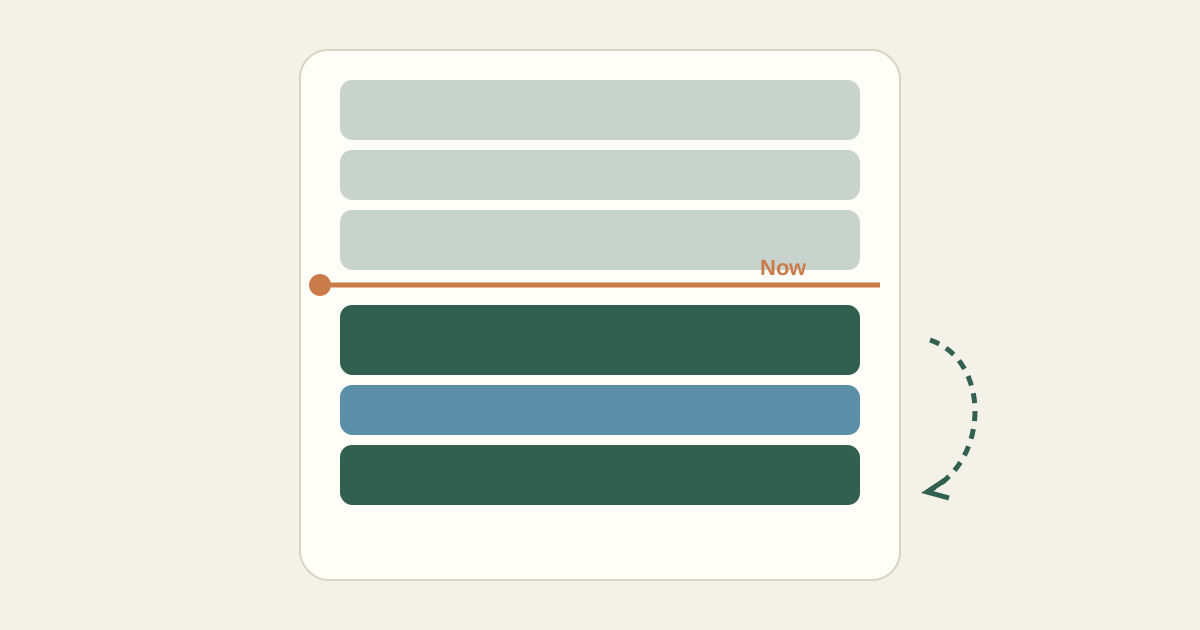
It is 11:40 a.m. The 10:00 meeting ran until 11:15, a client sent an urgent request, and the report you planned to finish before lunch is half done. The morning plan no longer matches reality.
This is normal. Most days do not go exactly as planned. The question is what to do next, and the answer is a short, deliberate replan of the time that remains, not a fresh start and not pushing through the old plan as if nothing happened.
Stop and look at the clock
Take two minutes. Note the current time and what has actually been done. Mark finished tasks as complete. For anything partly done, estimate how much time it still needs, not how long you originally planned.
Everything before now is history. You are only planning from this moment to the end of your day.
Recount the time that is left
List the fixed commitments still ahead: an afternoon call, a class, a pickup. Those have not moved. Subtract them, plus travel and a lunch break, from the remaining hours. That is your real remaining capacity.
If it is 11:40, you stop at 5:30, and you have a 2:00 to 3:00 call, you have roughly four hours and fifty minutes of time left, minus lunch and a few buffers. Call it four hours.
Re-sort what remains
Look at every unfinished task and the new request. Ask the same two questions as in the morning: does it have a deadline today, and is someone waiting on it? New urgent items often push something else out. That is the trade-off, and it is better to make it explicitly.
- Keep: tasks with a deadline today or a person waiting
- Shrink: tasks where a smaller version is acceptable today
- Move: tasks that can wait, with a specific new day
- Drop: tasks that no longer matter, and tell anyone affected
Rebuild the afternoon
| Time | Block |
|---|---|
| 11:40 AM – 12:20 PM | Urgent client request (new, high priority) |
| 12:20 PM – 1:05 PM | Lunch |
| 1:05 PM – 1:55 PM | Finish report, remaining sections |
| 2:00 PM – 3:00 PM | Partner call (fixed commitment) |
| 3:00 PM – 3:10 PM | Buffer |
| 3:10 PM – 4:10 PM | Report review and send |
| 4:10 PM – 4:40 PM | Inbox and quick replies |
| 4:40 PM – 5:30 PM | Open time |
The slide outline planned for 3:00 p.m. moved to tomorrow at 9:00 a.m. The one-hour training video moved to Friday.
Notice what stayed the same: the fixed call did not move, lunch still happens, and a small open block remains at the end of the day in case the report review takes longer than expected.
Communicate the trade-offs
If something you promised is now moving, a short message now is better than an apology later. "The slide outline will be ready tomorrow morning instead of this afternoon" takes thirty seconds to send and resets expectations before they become a problem.
A replanning checklist
- Note the current time and mark what is done.
- Estimate remaining time for anything half finished.
- List fixed commitments still ahead and subtract them.
- Re-sort remaining tasks, including new requests, by deadline and dependency.
- Place the most important remaining work in the next open stretch.
- Move or shrink what does not fit, with a specific new day.
- Tell anyone affected by a change.
Kitora Daily has a Rearrange from now action for exactly this moment. It uses the current time in the time zone you choose, keeps your fixed commitments where they are, does not place anything in time that has already passed, and shows you a proposed new afternoon to review before anything is saved. Tasks that no longer fit are listed with the reason, so you can decide what to move.