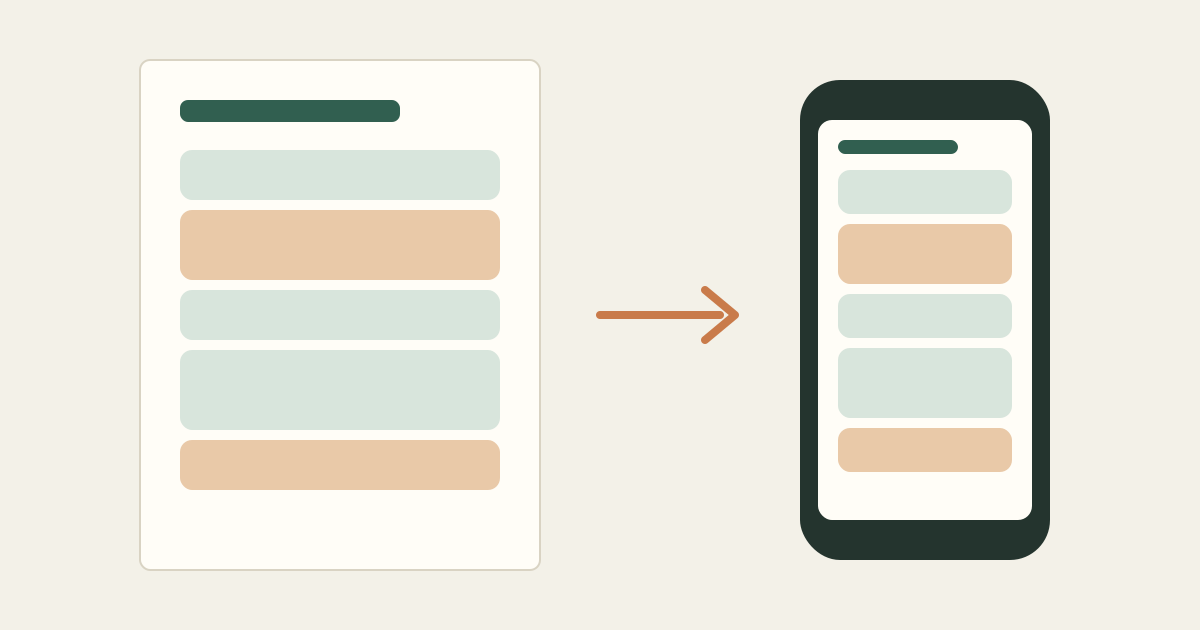
The question comes up often: should you plan your day on paper or in an app? People tend to have strong opinions, but the honest answer depends on how your days work and what you need the plan to do.
This guide compares the two on practical terms and ends with a hybrid routine that many people find easier to keep than either one alone.
What printable planners do well
A printed daily plan is always visible. It sits next to your keyboard or on the fridge and does not hide behind other windows or notifications. Crossing things off by hand is satisfying, and there is no temptation to check messages while you look at your schedule.
Paper also works well for people who think better with a pen: adding a note in the margin, circling what matters, or sketching how the afternoon should go.
Where paper falls short
Paper is hard to change. When a meeting moves or a task takes twice as long, you end up with arrows and crossed-out times. Recalculating the rest of the day by hand is slow, and recurring commitments have to be copied every day.
It is also easy to forget the sheet at home or at the office, and it does not keep a history you can search later.
What digital planners do well
Digital tools are good at math and memory. They can repeat your weekly class or standing meeting automatically, recalculate a schedule when something changes, keep earlier versions, and work across your laptop and phone.
A rules-based scheduler can also check whether your tasks fit before you commit to them, which is hard to do quickly on paper.
Where digital falls short
Screens compete for attention. Opening your planner on your phone often means seeing three notifications first. Some apps also ask for more setup than the planning itself is worth on a busy morning.
Questions to help you choose
- How often does your day change after 10 a.m.? Frequent changes favor digital.
- Do you work at one desk or move between places? Moving around favors a phone-friendly copy.
- Do you have many recurring commitments? Recurrence favors digital.
- Do you plan better with a pen in hand? That favors a printed sheet.
- Do you need to share the plan with family or a coworker? A printed or image copy is easy to share.
A hybrid routine that works for many people
- Plan digitally in the morning, so recurring commitments and the math are handled for you.
- Print the day or save it as an image on your phone.
- Work from the printed or phone copy during the day and mark things off.
- If the day changes significantly, replan digitally and print or save a fresh copy.
- At the end of the day, mark tasks complete so tomorrow starts from an accurate list.
| Time | Block |
|---|---|
| 7:00 AM – 7:45 AM | Breakfast and school prep |
| 8:15 AM – 8:35 AM | School drop-off (fixed commitment) |
| 9:00 AM – 10:30 AM | Work: grant application draft (focus) |
| 10:30 AM – 10:45 AM | Break |
| 10:45 AM – 11:45 AM | Work: team calls (fixed commitment) |
| 12:00 PM – 12:30 PM | Lunch |
| 12:30 PM – 1:30 PM | Errands: pharmacy and groceries |
| 2:45 PM – 3:15 PM | School pickup (fixed commitment) |
| 4:00 PM – 4:45 PM | Homework help |
Printed on US Letter and kept on the kitchen counter, with a phone image as backup for the errands.
Kitora Daily supports this hybrid approach. You build and adjust your schedule in the app, then download a PDF on US Letter or A4 paper in one of 12 styles, or save a phone-friendly image. Long schedules continue onto additional pages rather than being squeezed onto one.